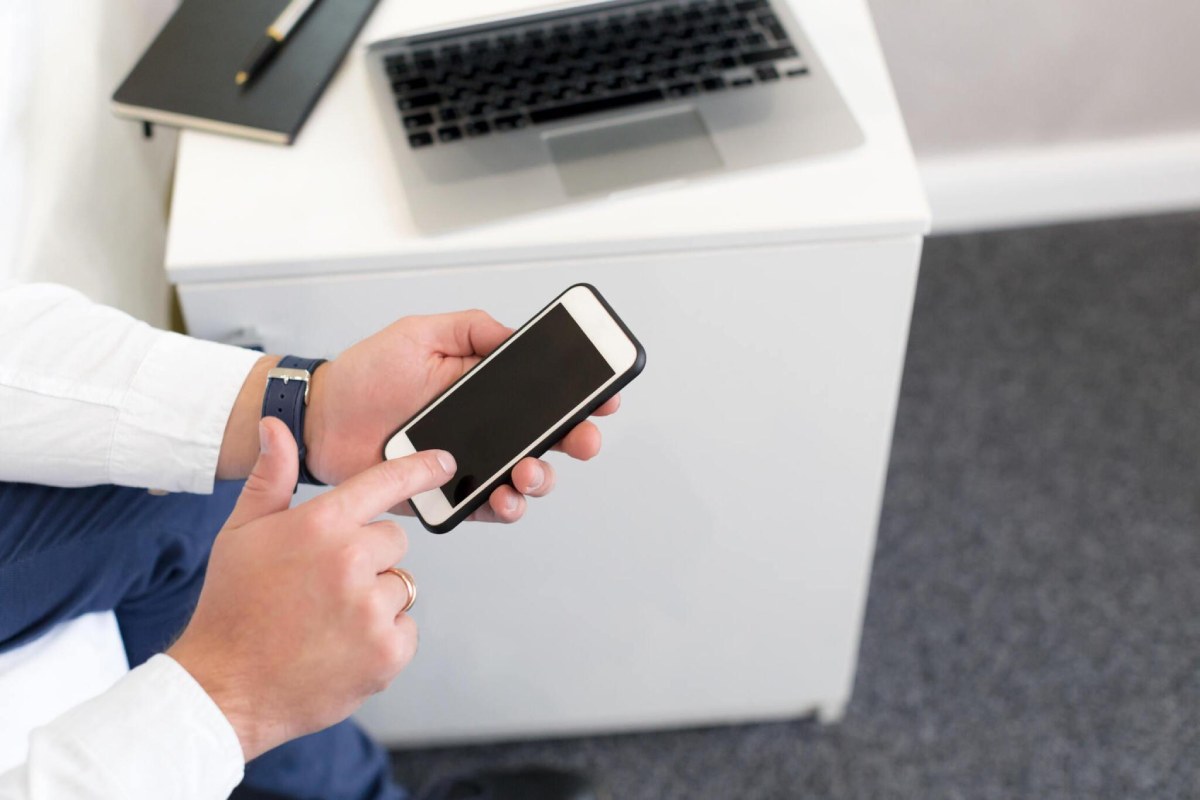
Faxing might seem like a relic from the past. However, with the continuous evolution of technology, the answer to the question of whether you can fax from your iPhone is a resounding yes. In this article, we explore the capabilities and convenience of faxing directly from your iPhone, breaking down the process and addressing the practicality of integrating this traditional method into the digital world.
Table of Contents
The Evolution of Faxing Technology:
Fax machines, once synonymous with bulky hardware and dedicated phone lines, have undergone a significant transformation. The advent of mobile applications has brought about a revolution, allowing users to send and receive faxes seamlessly using their iPhones. This evolution has made faxing more accessible and user-friendly than ever before.
If you use an iPad for handling documents or other office tasks, you may also want to explore how to use Photoshop on an iPad for editing images and preparing visual content on a portable device.
Understanding iPhone Fax Apps:
A variety of apps on the App Store, such as Fax from iPhone, have made it possible for iPhone users to fax documents with ease. These apps provide a user-friendly interface, simplifying the traditionally complex process of faxing and enabling individuals to send faxes directly from their smartphones.
Smartphones can also help you manage media between devices. If you are moving to a new Android phone, learn how to transfer music between Android phones without losing track of your music library.
Business and Professional Applications:
The ability to fax from an iPhone holds particular significance for professionals and businesses. In industries where legal documents, contracts, and signatures are crucial, faxing remains a preferred method of communication. Having the capability to fax from an iPhone ensures that individuals can meet these requirements without the need for traditional fax machines.
If you are using an older Apple device, reviewing the iPhone XS features and specifications can help you understand its capabilities when comparing it with newer smartphones for document scanning and mobile productivity.
For users who prefer a larger screen for reading, scanning, and managing documents, choosing a tablet for everyday use can provide more screen space for mobile productivity and document workflows.
On-the-Go Convenience:
One of the standout advantages of faxing from an iPhone is the unparalleled convenience it offers. Whether you’re a traveling professional, a student on the go, or someone who needs to send a document urgently, the portability of an iPhone makes faxing possible anytime, anywhere. This on-the-go convenience eliminates the need for physical fax machines and dedicated phone lines.
When sending documents or uploading files while away from Wi-Fi, a 5G phone can offer faster mobile data speeds where supported by your device, carrier, and network coverage.
Cost-Effective and Environmentally Friendly:
Faxing from an iPhone not only saves time but also resources. It eliminates the need for paper, ink, and maintenance associated with traditional fax machines. Moreover, it contributes to a more environmentally friendly approach, aligning with the modern ethos of reducing physical waste and adopting sustainable practices.
Beyond sending documents, iPhones support a range of everyday communication tools. An emoji keyboard makes it easier to add emojis to messages, emails, and other text when communicating with colleagues or contacts.