
![Transfer Music Between Android Phones: Best Apps [2023]](https://www.webtechradar.com/wp-content/uploads/2021/04/music-1200x675.jpg)
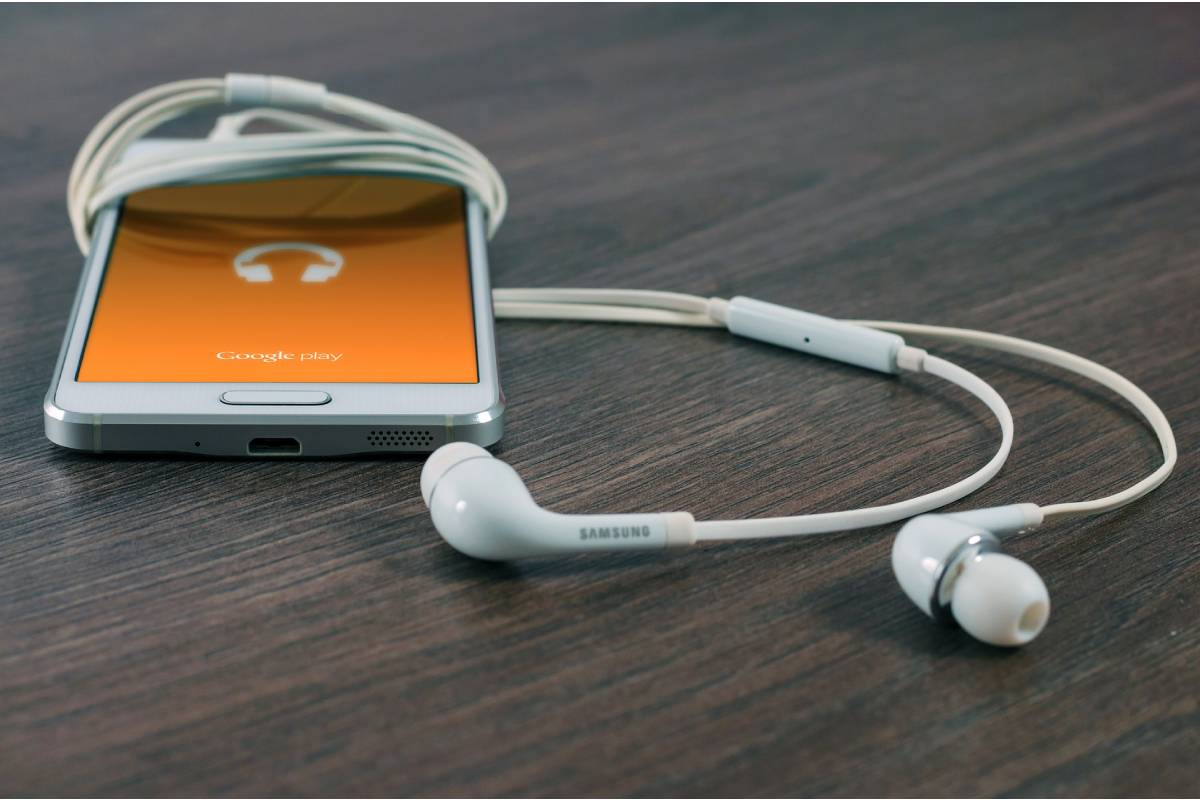
Transfer Music Between Android Phones
Picture this: you’re on a road trip playing songs from your phone through your car’s music player. Your friends love your playlist. They ask you to transfer the pieces to their Android phones. But you don’t have your laptop with you. What do you do in a situation similar to this? How do you transfer music from one Android phone to a different one?
Well, it’s not rocket science. You can do it easily without the need for a computer. All you need is a music sharing application installed on your phone. These applications allow you to transfer local or offline music between Android phones without using your mobile data.
We have selected five applications that allow you to transfer songs between Android phones. Let’s take a look at them.
If you also use Apple devices for creative tasks, explore how Photoshop works on an iPad and how a tablet can support productivity beyond a smartphone.
Table of Contents
1. Shareit
One of the applications that I like is the SHAREit application. Being one of the oldest file-sharing apps, it has better magnanimously in recent years. The process to transfer music is simple. You need to download the application and press the send and receive buttons on the respective phones. Then select the audio files on the Music tab.
What’s impressive is that it classifies audio files into various sections such as individual files, albums, folders, and artists. Not only does it make it easy to locate the desired files, but you can also share entire folders or albums.
Besides music, you can transfer all kinds of files, such as videos, applications, photos, documents, ZIP files, and much more. It offers excellent features like group sharing, sharing zone, and cross-platform support.
You do not need a working internet joining to use this application. However, it must remain connected to the same Wi-Fi network or hotspot. Interestingly, if the other person doesn’t have the SHAREit app, you can transfer music with the no-install file sharing feature known as web share.
Pros :
Share on the web
Integrated audio player
Cons :
Unnecessary ads and notifications
Size: 26MB
Before choosing a device for transferring files, music, and other media, consider what to look for when buying a tablet for everyday use, including storage capacity, compatibility, and connectivity.
2. Xender
If in the case of the SHAREit application, the ads seem like a way to break the deal, you can try one of its incredible alternatives, Xender. By having a similar interface to SHAREit, Xender won’t feel much different. On the Music tab, tap on the Send and Receive buttons to start sharing your music files.
Although it supports folder display and transfer, it lacks categorization by album or artist. But if it helps you, you can use search to locate your audio files. It is also available on a wide variety of platforms
Similar to SHAREit, you can also transfer all kinds of files using this application. It even offers the phone replication feature to move data from one phone to another. Again, no internet remains required for file transfer.
Pros:
No ads
Integrated audio player
For users who frequently download music, stream audio, or share files while away from Wi-Fi, a 5G phone can provide faster mobile data speeds when supported by the network and service plan.
Cons :
No artists and album categorization
Size: 15MB
3. Google Files
If you notice, the two apps above list the music files under the Music heading, but you’ll have the General Audio tab in this app.
Ti is because it allows you to transfer audio files in all formats. Be it pre-installed ringtones, SMS tones, .m4a or .ogg files, everything can remain shared with the Files by Google app. Although this app is also missing artists and album categorization, you can sort files based on various parameters, such as date, file name, and size.
Files by Google is a complete file manager and cleaner Google app. So other notable features include file browsing, phone cleaning, file sharing without internet connection without mobile data, etc.
Pros:
Supports all kinds of audio files
No ads
Cons :
Folder transfer missing
Available only on Android
Size: 6MB
Besides sharing music and other files, smartphones can also handle document-related tasks. Learn how to fax documents from your iPhone when you need to send paperwork without a traditional fax machine.
4. ShareMe (My Drop)
From the house of famous smartphone brand Xiaomi comes ShareMe, formerly known as Mi Drop. Taking inspiration from SHAREit, ShareMe also categorizes music files into songs, artists, albums, and folders. You can even search for the desired file.
To share music files, tap the Send button and go to the Music tab. The application also allows you to share other files, such as documents, videos, and contacts.
Pros:
No ads
Attractive interface
Cons :
Some degree of to Android phones only (FTP available for PC)
Size: 6MB
Once your music files are transferred, you may also want to personalize messages you send to friends by using an emoji keyboard to add emojis to chats and other text.
5. Zapya
An additional file-sharing application used to transfer music from one phone to another is the Zapya application. Besides songs, you can share music by artists, folders (present in the Files tab) and even playlists.
Other cool features are group sharing, QR code sharing, shake to connect, and phone mirroring. Sadly, the app remains loaded with unnecessary things like discovery and recommendation tabs meant to deliver content online, similar to SHAREit.
Pros :
Playlist sharing
Cons :
Advertisements
Size: 11MB
If you are comparing Apple devices with Android phones, you can also review the iPhone XS features and specifications to understand the capabilities of this older iPhone model.

Afiya Jafar
Afiya Jafar is a technology writer who focuses on making complex technology topics clear, practical, and easy to understand. Her work covers artificial intelligence, software, gadgets, cybersecurity, cloud computing, internet technologies, mobile technology, digital tools, and emerging technology trends.
View Author Profile →
Sameena Begum
Sameena Begum is a health, technology, and digital content reviewer who reviews selected articles to help ensure that information is presented clearly, accurately, and responsibly.
View Reviewer Profile →