
Third-party app stores are quick and easy to find and use, downloaded from third-party websites.
Google is getting out of the line of fire and taking a step that is unthinkable for Apple.
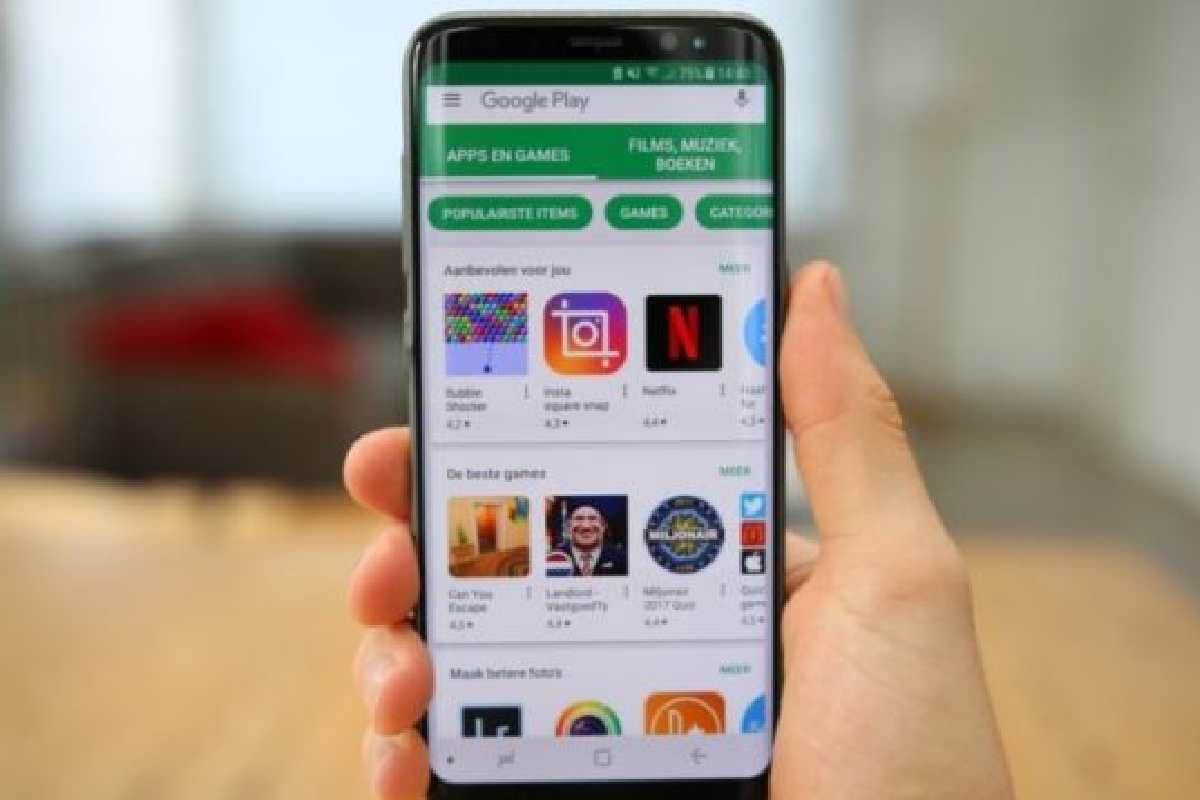
According to an announcement, with Android 12, third-party app stores should be quick and easy to find and use.
Android already differs from iOS in that you are not tied to one system-based app store.
In the future, however, Google plans to emphasize external app stores more and show users alternatives.
The company intends to explain precisely how this works at a later date.
It is unknown whether there is a store selection window that Microsoft was once made compulsory in the browser market.
However, the fact that there is already an announcement that Android 11 has only just entered the market is a clever tactical maneuver.
Beyond downloading applications, users can explore a wide range of creative digital tools. For example, face morphing apps and tools demonstrate how software can transform images and create visual effects. Before installing these applications, users should check compatibility, permissions, and the credibility of the developer.
Table of Contents
App Store: Third-party apps can find more easily again
- As per the Wall Street Journal report of July of this year, the ranking of apps in Apple’s App Store seemed to be going a lot wrong.
- The problem was as follows: If you entered the usual terms such as “Music” or “TV” in the store search – as words are probably explored very often there. The results were almost exclusively from Apple apps.
- For example, “TV” yielded five hits with Cupertino apps, and when searching for “Music,” eight apps from Apple even appeared.
- According to Apple, the store’s ranking engine is to blame, as it should also display usually other apps from the same developer directly under an app’s entry.
- Of course, this also applies to Apple programs. Still, improvements are made here:
- Although Apple Music continues to appear prominently high up when searching for “Music.”
- GarageBand, iTunes Remote, and the like do not follow the App.
- But also third-party solutions such as Spotify and Co, those changes are said to have been active since July 12, 2019. Apple does not speak of a correction of the algorithm
- I would probably never have noticed any of this, but I don’t develop apps either. Nevertheless, it is definitely to welcome that Apple was able to condescend.
- That services such as Spotify, Netflix, and Co., are again allowing attracting attention with app downloads.
- It helps secure a place on the throne and not altogether remove them from the top search results.
App stores also provide access to educational and interactive applications. One example is Kahoot, an interactive learning platform that allows users to participate in quizzes and educational activities. Understanding an app’s availability across different distribution channels can help users choose the appropriate installation method.
Privacy Policy for Android Apps from Third-Party Developers
- To help you better evaluate which apps to download to your Android devices, third-party developers can include a link to the privacy policy on the app details page on Google Play.
- Google provides this optional field for developers who want to share their privacy policies with users.
- App Developers write these policies, not evaluated by Google.
- Not all Android apps on Google Play have published privacy policies, but you can find them on its details page on Google Play if an app does.
Google to enforce Play Store better in-app purchase policies, ease use of third-party app stores
- Google to enforce Play Store better in-app purchase policies, ease the use of third-party app stores.
- Under threat of regulation, Google announced today it’s updating its Google Play billing policies to clarify better which types of transactions will be subject to Google’s commissions on in-app purchases.
Some applications serve specialized industries, including healthcare. Exploring Amazon’s healthcare services provides additional context on how digital platforms are expanding into healthcare-related products and services. When using healthcare apps, users should pay particular attention to privacy policies and the handling of sensitive information.
Make in-app purchases in Android apps
Within some apps, you can purchase additional content or services. These purchases are called “in-app purchases.”
Here are some examples:
- A sword that gives you more power in a game.
- Code that unlocks other features of a free app.
- A virtual currency that you can use for purchases.
Tip: To avoid accidental or unwanted in-app purchases, make sure password protection is turned on on your device.
Find out if an app offers in-app purchases
- Before downloading an app, you can check if it offers in-app purchases:
- In the Google Play Store app, in-app purchases are in bold next to the price or the Install button.
- On play.google.com/store, under the app name, it says “Offers in-app purchases.”
Installing applications is only one part of managing a digital environment; users may also need to organize files and other digital assets. Resources covering Omni Storage and digital storage solutions can help readers explore storage-related tools and approaches to digital file management.
Use a promotional code for an in-app purchase
You can use promotional codes for some in-app purchases using the Play Store app from an Android device.
To use a promotional code for an in-app item, follow these steps:
- Find the in-app purchase you want to apply the promo code to.
- Start the payment process.
- Tap the down arrow next to the payment method.
- Tap Redeem code.
- Follow the on-screen instructions to complete your purchase.
Application compatibility can vary depending on the device and operating system. Users who install and manage software on Apple computers can explore these Mac tips and tricks for guidance on macOS features, troubleshooting, and everyday productivity.
Risks of Third-Party App Stores
- Downloading apps from third-party websites – that is, not the Apple Store, Android Market, or Blackberry App World – may be tempting.
- But doing so puts your device, and therefore yourself, at risk.
Dangers of third party app stores
- Dangerous app stores use misleading advertisements or even malicious code.
- The ads or code are practically “injected” into popular apps that users buy through these stores rather than reputable sellers.
- Not all offers from such third-party providers are “malicious.” Many stores lure users by offering popular apps at much lower prices, only to endanger these users’ privacy afterward massively.
- Confidential data extracted in this way include, for example, phone numbers, device information, and email addresses.
Some applications are free, while others require subscriptions or one-time payments. Before purchasing software or related technology products, readers can consult these popular price comparison websites in the US to compare prices and evaluate available purchasing options.

Afiya Jafar
Afiya Jafar is a technology writer who focuses on making complex technology topics clear, practical, and easy to understand. Her work covers artificial intelligence, software, gadgets, cybersecurity, cloud computing, internet technologies, mobile technology, digital tools, and emerging technology trends.
View Author Profile →
Sameena Begum
Sameena Begum is a health, technology, and digital content reviewer who reviews selected articles to help ensure that information is presented clearly, accurately, and responsibly.
View Reviewer Profile →