![Reminder App System to Alert Your Clients [2023]](https://www.webtechradar.com/wp-content/uploads/2023/01/3-Ways-to-Use-a-Reminder-App-System-to-Alert-Your-Clients-1200x675.jpg)
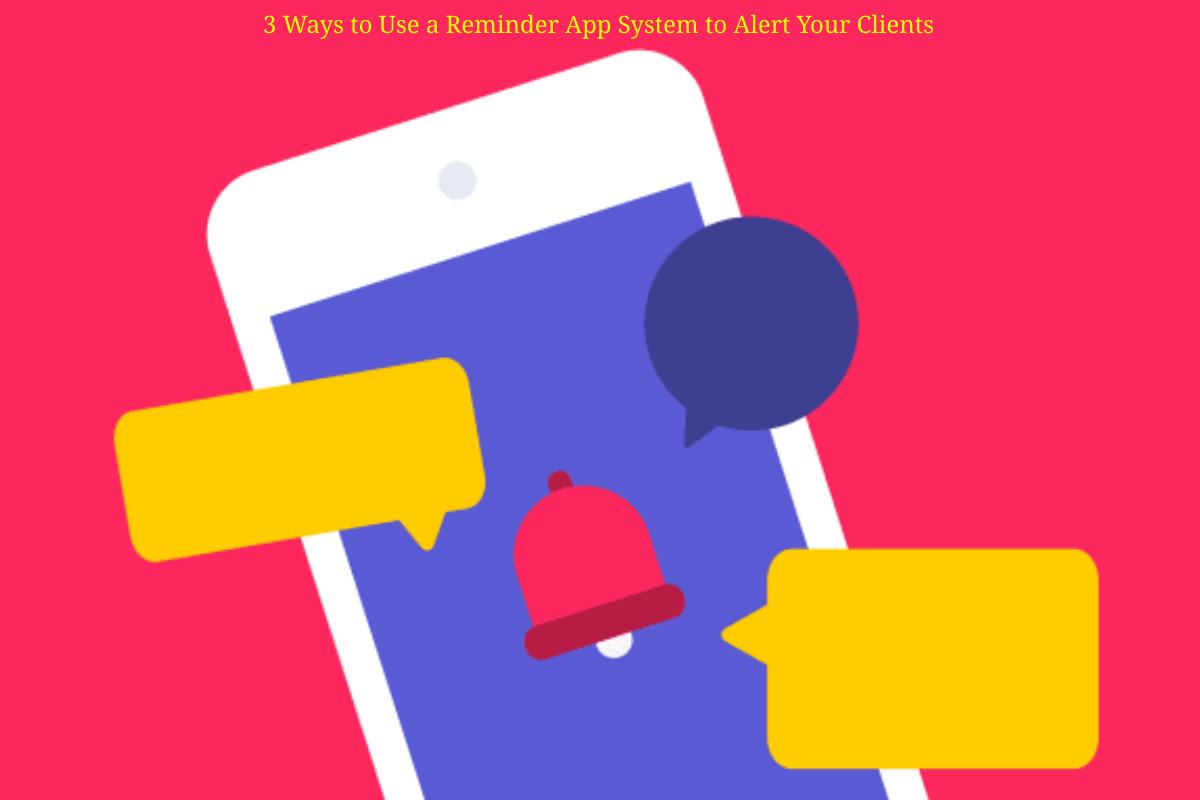
3 Ways to Use a Reminder App System to Alert Your Clients – Any business that operates on an appointment basis depends on customers making and keeping appointments. Failed appointments lead to decreased productivity, and delayed appointments create downtime in business. A business can overcome this by sending clients text reminders for appointments.
Business owners can use a reminder app system to remind their customers about their appointments. A reminder app system can send appointment reminders via text, call, or email. Here is a breakdown of the three ways that clients can get appointment reminders:
Table of Contents
1. Text Reminders
About 67% of people prefer text message reminders to calls. Text reminders for appointments from a business are different from personal text messages. The tone is professional, and the text message is brief. You need a broadcast text message and a shared team SMS inbox when sending text reminders using a reminder app system.
For readers exploring software & productivity, this section can also point to our guide on microsoft office, adding useful context without interrupting the main discussion.
Shared team SMS inboxes allow you to send and receive a one-and two-way text message. The broadcast text message will enable you to send text messages in bulk. Sending your clients text reminders for appointments from a reminder app lets you see live delivery status updates. In addition, reminder app systems may have an embeddable form and allow you to send text messages from your website.
2. Email Reminders
Some people check their emails more than their phones, making email reminders an effective way to remind clients about their appointments. When sending email reminders, you should ensure the emails are personalized to the client and represent your company’s voice. By personalization, you can be guaranteed that the client will read the email; therefore, the email should give general details about the appointment.
For readers exploring software & productivity, this section can also point to our guide on employee monitoring in 2025 why clevercontrol is the ultimate choice, adding useful context without interrupting the main discussion.
3. Call Reminders
Although texts and emails are effective ways to communicate with your clients, call reminders are a more effective means of communication. Calls add a personal touch and improve your engagement with the client. You can schedule appointment calls with the clients using a reminder app system.
For readers exploring software & productivity, this section can also point to our guide on top employee monitoring software, adding useful context without interrupting the main discussion.
For readers exploring software & productivity, this section can also point to our guide on midi, adding useful context without interrupting the main discussion.
The advantage of call reminders is that you can customize your voice in the language of your choice. A reminder app system allows you to record and replay your calls later. In addition, you can track who opts out of the call list.
Summary
Texts, emails, and calls are the three effective ways to send appointment reminders to clients. However, each option to send reminders has its pros and cons. Therefore, consider using multiple communication methods for effective results and more client engagement. For instance, you can send a client an email about five days before the appointment, followed by a text three days before the appointment, and place a call on the day of the meeting.
For readers exploring software & productivity, this section can also point to our guide on enterprise search software, adding useful context without interrupting the main discussion.
Reminding your clients about their appointments will ensure that your work days run smoothly. Since you know what to do to optimize results from an appointment reminder, you need to put the different elements into use. Fortunately, you do not have to worry about this; get a reminder app system, and you will never miss an appointment.
For readers exploring software & productivity, this section can also point to our guide on successful organizations have adopted room scheduling software, adding useful context without interrupting the main discussion.

Afiya Jafar
Afiya Jafar is a technology writer who focuses on making complex technology topics clear, practical, and easy to understand. Her work covers artificial intelligence, software, gadgets, cybersecurity, cloud computing, internet technologies, mobile technology, digital tools, and emerging technology trends.
View Author Profile →
Sameena Begum
Sameena Begum is a health, technology, and digital content reviewer who reviews selected articles to help ensure that information is presented clearly, accurately, and responsibly.
View Reviewer Profile →